
Using the wrong cables or cabling your home network incorrectly will affect your entire home entertainment setup and impair the overall HD (High Definition) picture and sound quality.
It is crucial that you use the correct cable and consider the impact of distance when connecting your home network to receive and transmit HD signal. We use advanced cables and equipment to calibrate your home network to ensure that you have either zero loss or minimal loss over your HD distribution network.
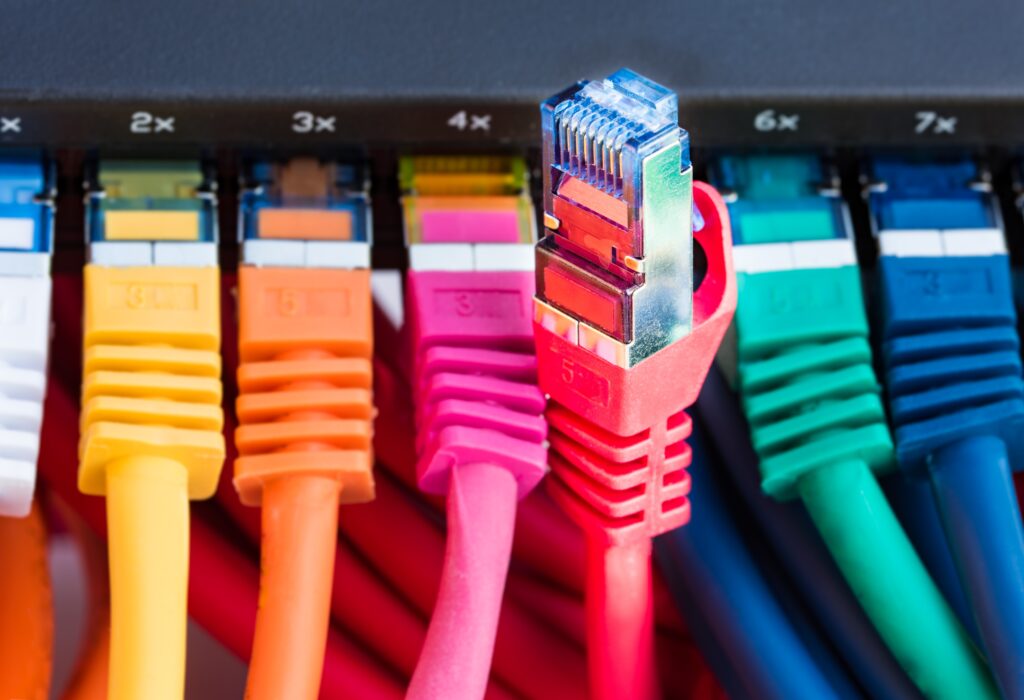
HD Networking is possible either by cabling your home with HDMI cable or using “traditional” network cable which is used in most offices (Cat5 or Cat6). HDMI cable has limitations on distance and ability to network multiple points in a large home, therefore Cat5 or Cat6 cable along with “converter boxes” are necessary to professionally distribute your HD signal in your home.
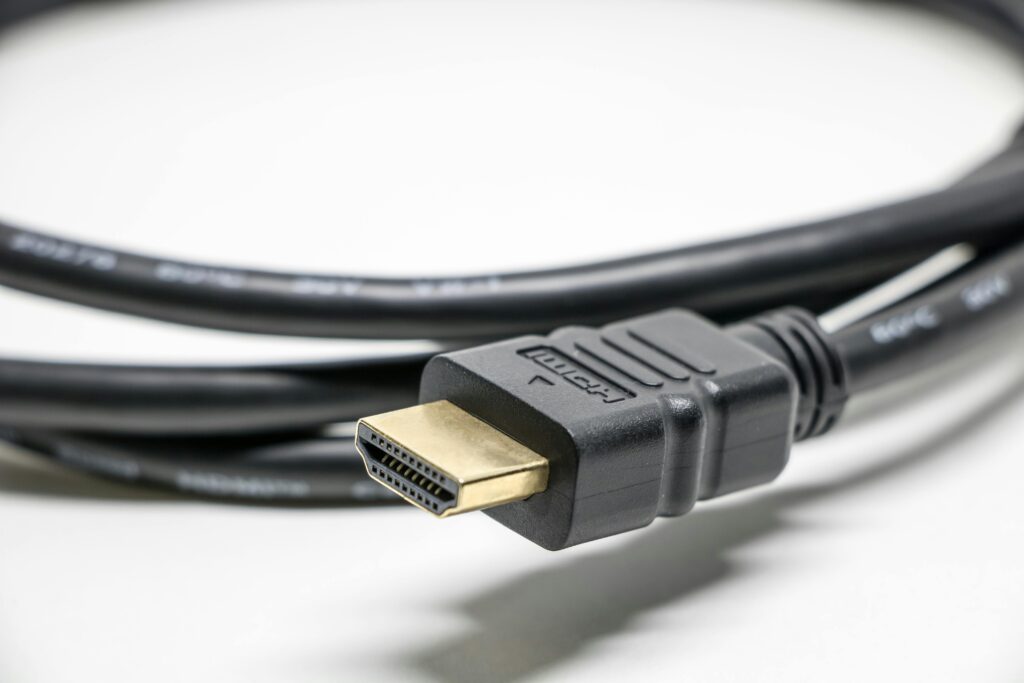
To transfer the digital video signal from a source to a TV, the source must convert the signal from digital to analog, this results in some information loss. However, an HDMI (High Definition Multimedia Interface) output can transfer a digital video source signal (such as from a DVD player) digitally, without conversion to analog. This results in a pure transfer of all of video information from the digital video source to a HDMI or DVI (via a connection adapter) equipped TV. In addition, HDMI can transfer both video and audio signals
HDMI FACTS
HDMI can pass video resolutions from 480i up to 2160p. However, each manufacturer determines the parameters for what is to be transferred via HDMI in their components.
HDMI can be implemented on Televisions, AV Receivers, DVD Players, Blu-
HDMI also includes provisions for HDCP (High Definition Copy Protection). This allows content providers to prevent their programming from being illegally copied.
HDMI can be adapted to DVI (Digital Video Interface), via adapter cable or connector. However, the device that has the DVI connection must be HDCP enabled for the signal transfer to work.
There are several versions of HDMI that have been developed over the years. In each case the physical connector is the same, but the content characteristics have evolved. Depending on when you purchased an HDMI-
HDMI 1.0 –
HDMI 1.1 –
HDMI 1.2 –
HDMI 1.3 –
HDMI 1.3a –
HDMI 1.4 –
This adds internet and home network connectivity to HDMI. In other words, both Ethernet and HDMI functions are available within a single cable connection.
This may be the most practical application of HDMI 1.4. What this feature provides is a single HDMI connection between a TV and a home theater receiver that can not only pass audio/video signals from the receiver to the TV, but also pass audio originating from the TV’s tuner to the receiver. In other words, when listening to audio accessed by the TV’s tuner, you don’t need a separate audio connection going from the TV to the home theater receiver.
HDMI 1.4 is designed to accommodate 3D Blu-ray Disc standards, with the capacity of passing two simultaneous 1080p signals using one connection. NOTE: An update (HDMI 1.4a) also incorporates additional 3D TV Broadcast, Cable, and Satellite formats.
Although the current high definition standard for consumer equipment tops out at 1920×1080 (1080p), HDMI 1.4 can accommodate future 3840×2160 and 4096×2160 high definition pixel resolutions now in the planning stages.
HD RESOLUTION
The video quality of an image on a TV screen is measured in lines of resolution. High definition is a term that describes a resolution of at least 1,280 horizontal lines by 720 vertical lines and can be as high as 1,920-
NATIVE RESOLUTION
Every HDTV set has a native resolution specification, which is the maximum resolution possible based on the number of pixels the screen contains. Some HDTVs have a native resolution of 720p, while others, including the majority of models in stores today, offer 1080p capability. Also, the HDTV must be connected via HDMI cable to enable the highest-